Game
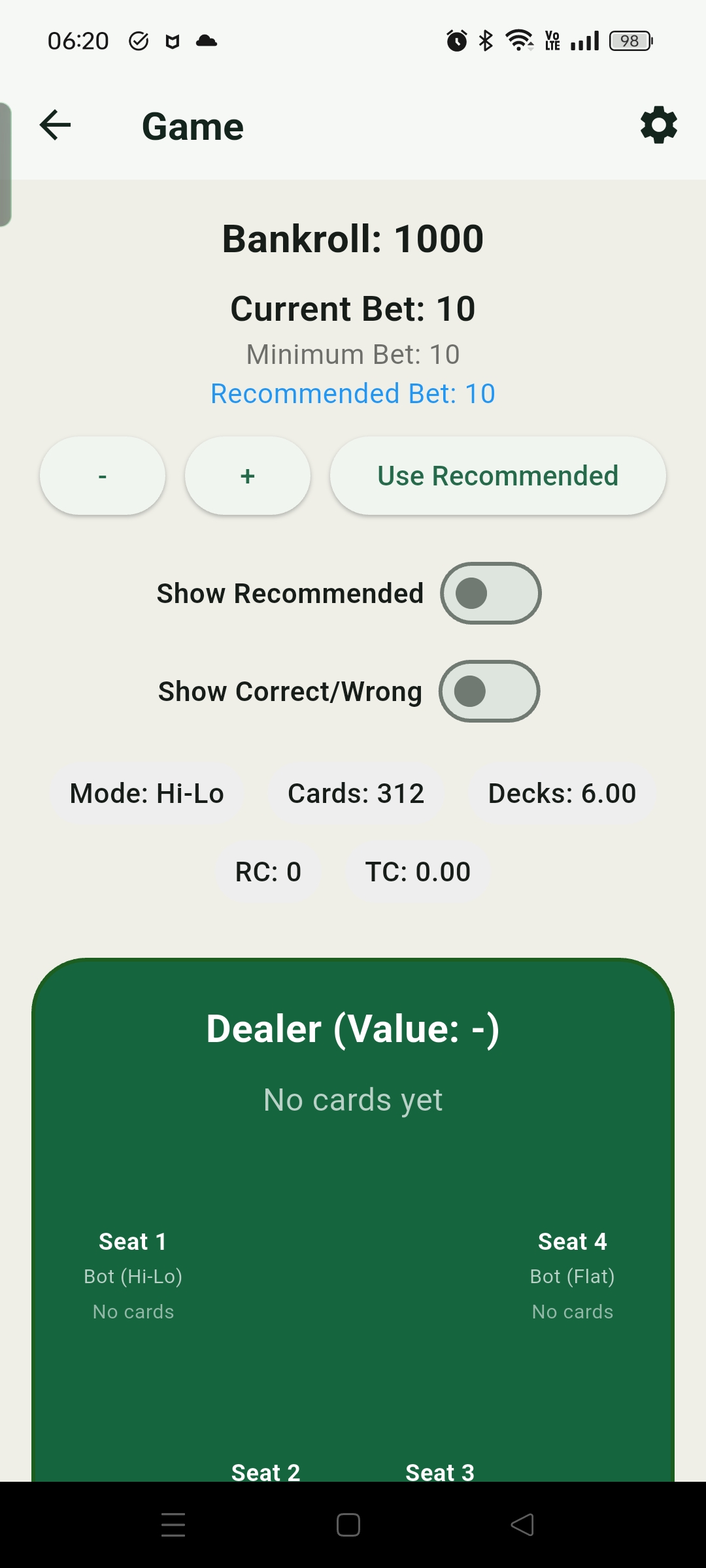
Game mode practices blackjack decisions in a realistic flow, with betting, strategy recommendations, count information, and feedback on one screen.
Game Flow
The game screen brings betting, the table, recommendations, correctness checks, and count information into one flow. You can play entirely from your own judgment, or turn on recommendations and feedback so the app shows the suggested action, whether the choice was correct, and the reason behind it at each step. The goal is not just to memorize a basic strategy chart, but to understand from real hands why certain spots call for Hit, Stand, Double, Split, Surrender, or Insurance.
- When recommendations and correctness checks are enabled, the screen shows the suggested action, whether your choice was correct, and the strategy reason, helping connect basic strategy and counting deviations to real decisions.
- Above the table, the app displays count information for the current Mode, including remaining cards, decks, Running Count, and for balanced systems, True Count.
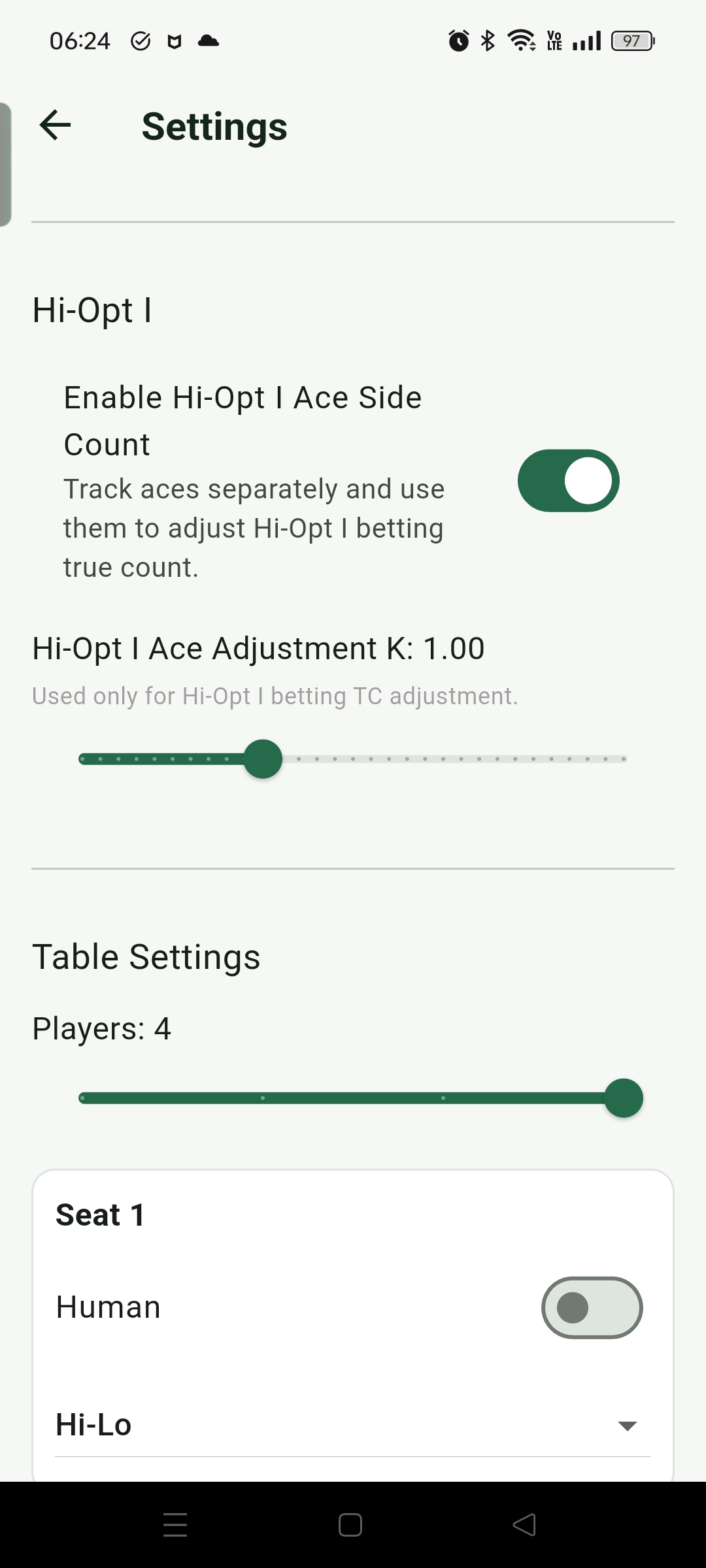
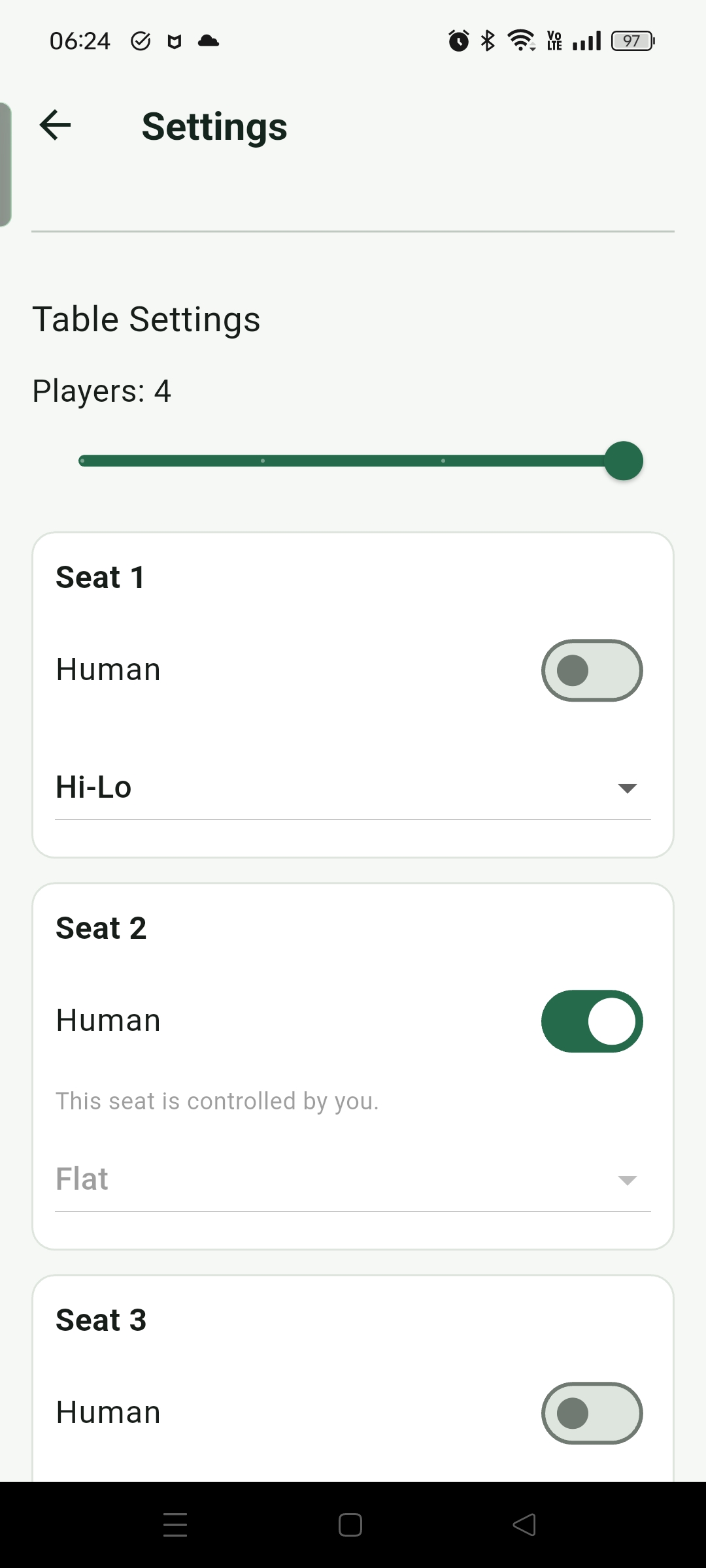
- The table can be configured with up to four player seats, and you can choose your own seat to practice in a more realistic multi-player table situation.
- In the betting area, you can adjust Bet manually or tap Use Recommended so the app applies the recommended bet based on the current counting system, True Count, and Bet Ramp.
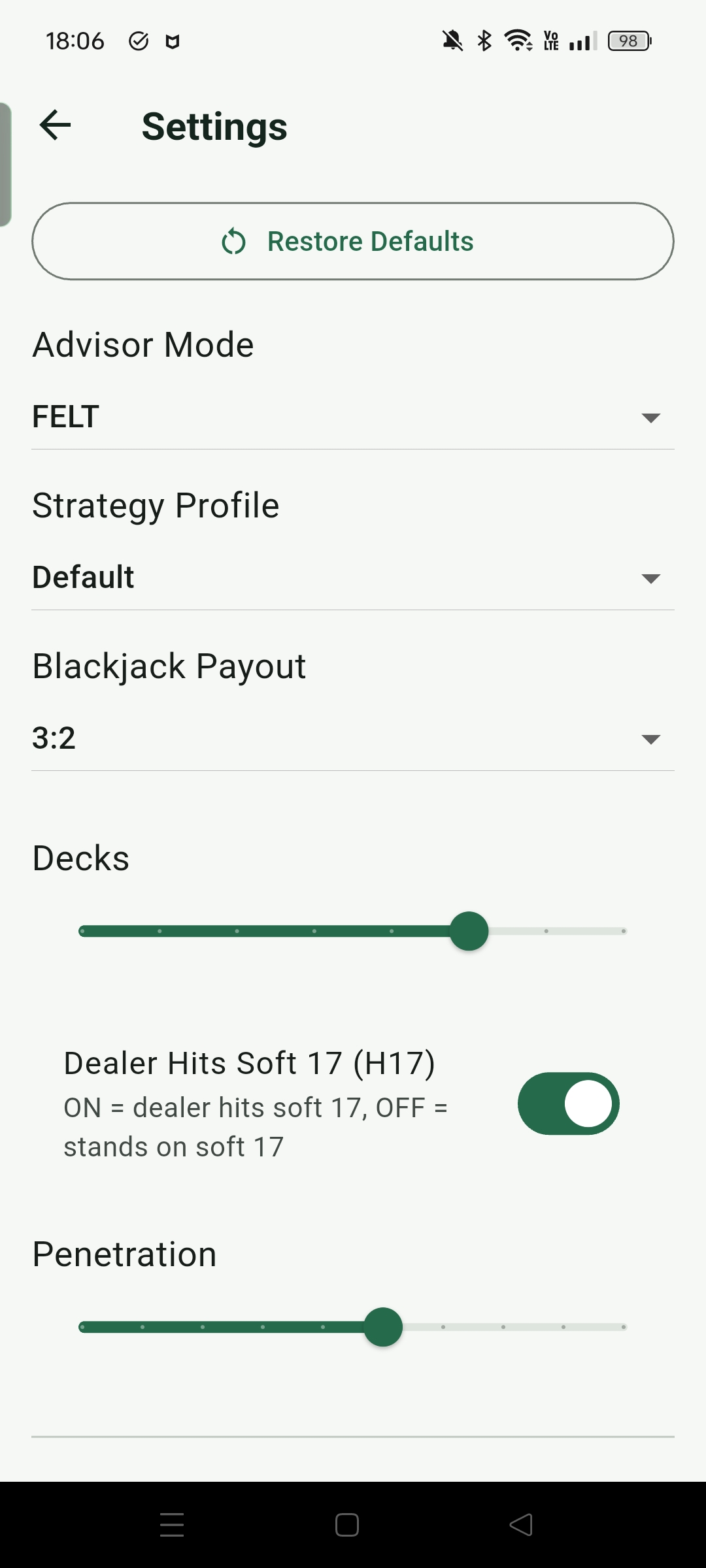
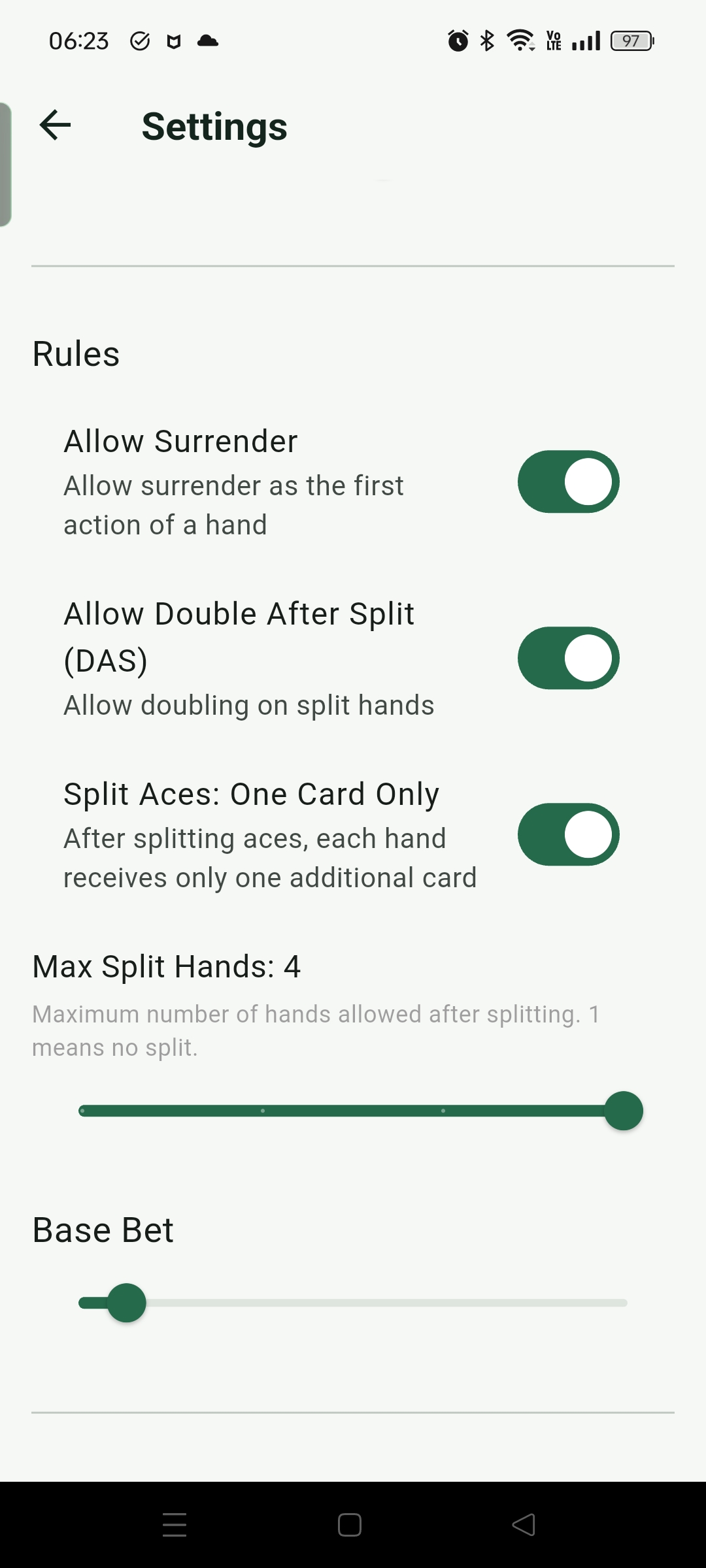
- The settings button in the top right lets you adjust counting mode, custom strategy, Blackjack Payout, table rules, deck count, penetration, deal speed, Bet Ramp, and player modes to create different practice scenarios.
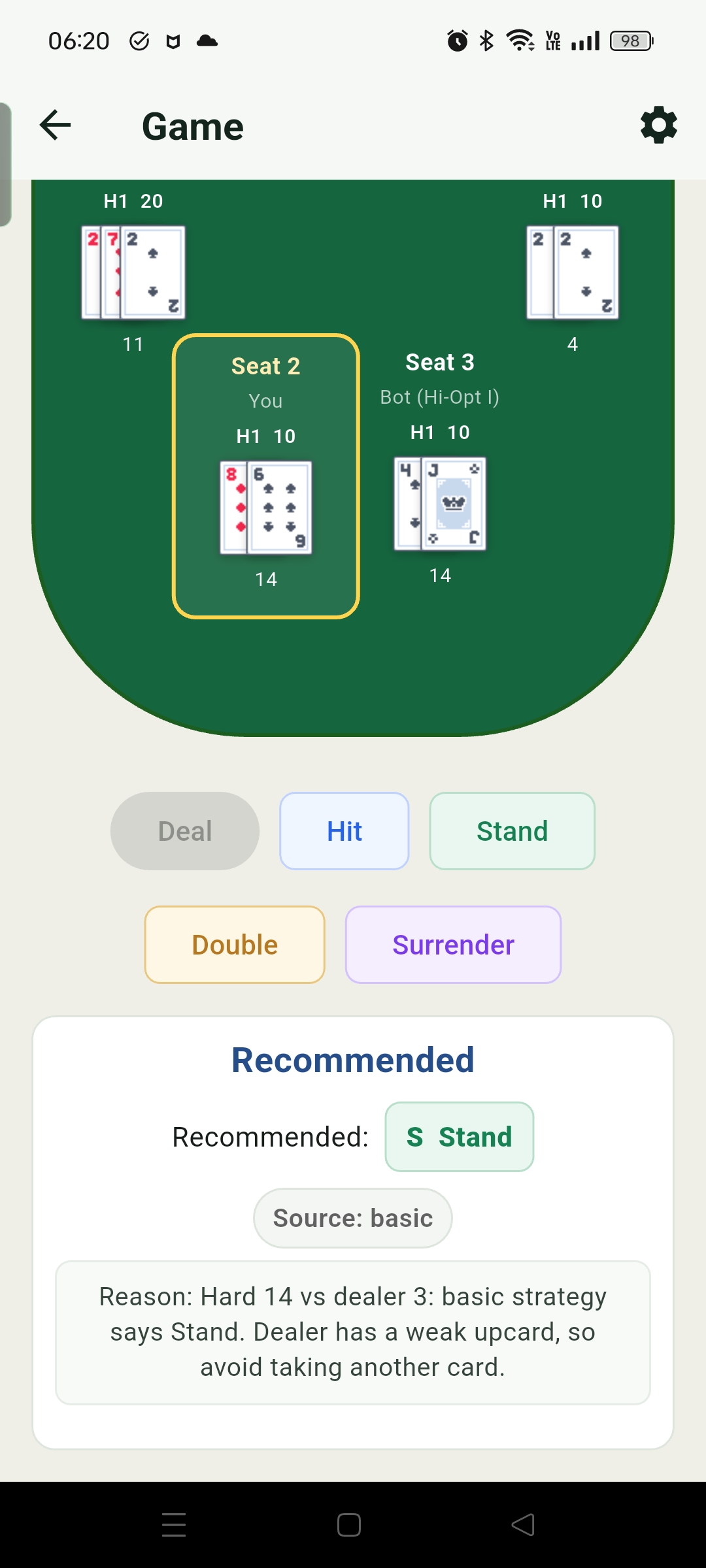
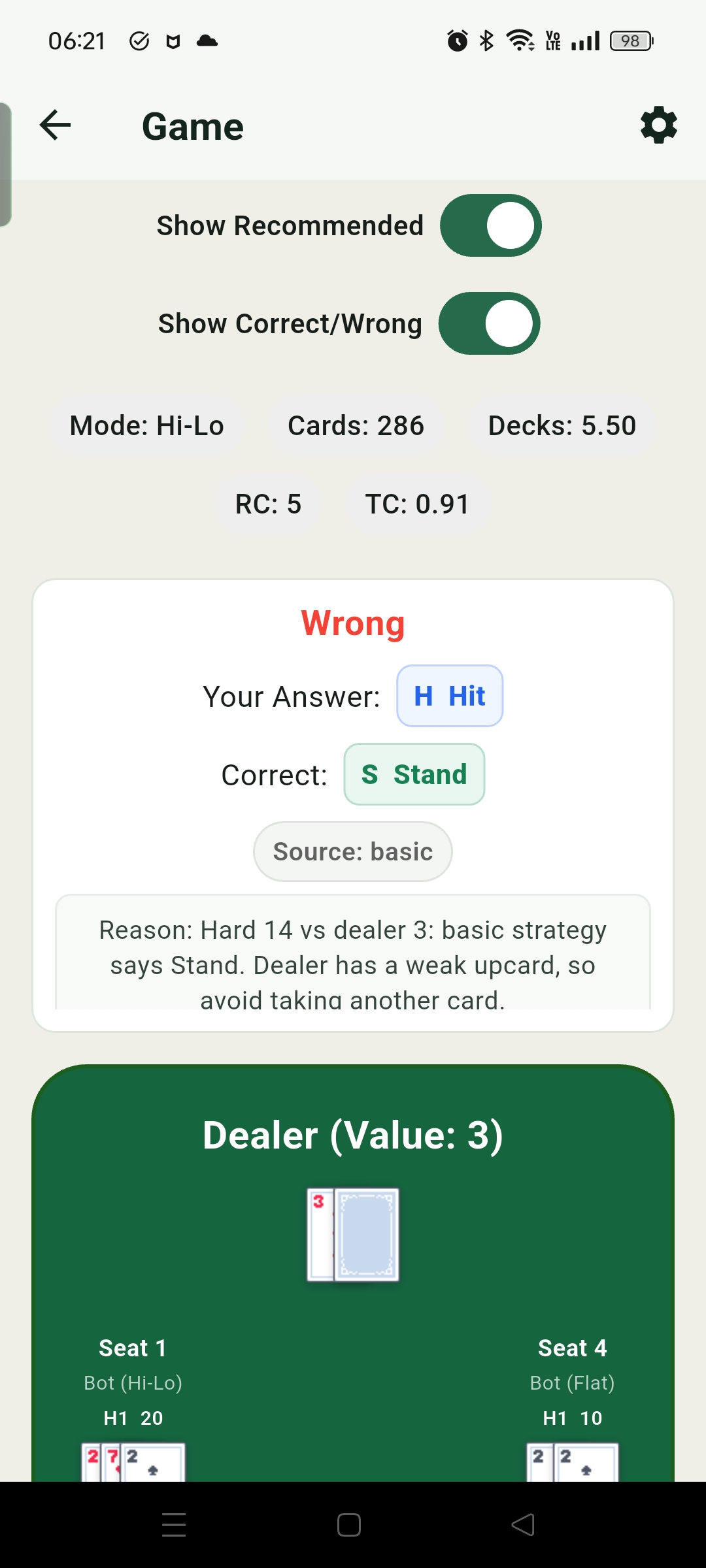
This mode is designed to build both memory and understanding in a pace close to real play. Instant feedback helps confirm whether basic strategy is stable, while the explanations fill in the logic behind why a hand should be played a certain way. For card counting practice, the count values above the table act as a check: you can track the Running Count and True Count yourself, then immediately compare your result with the app and correct missed cards or conversion mistakes.
Game Settings
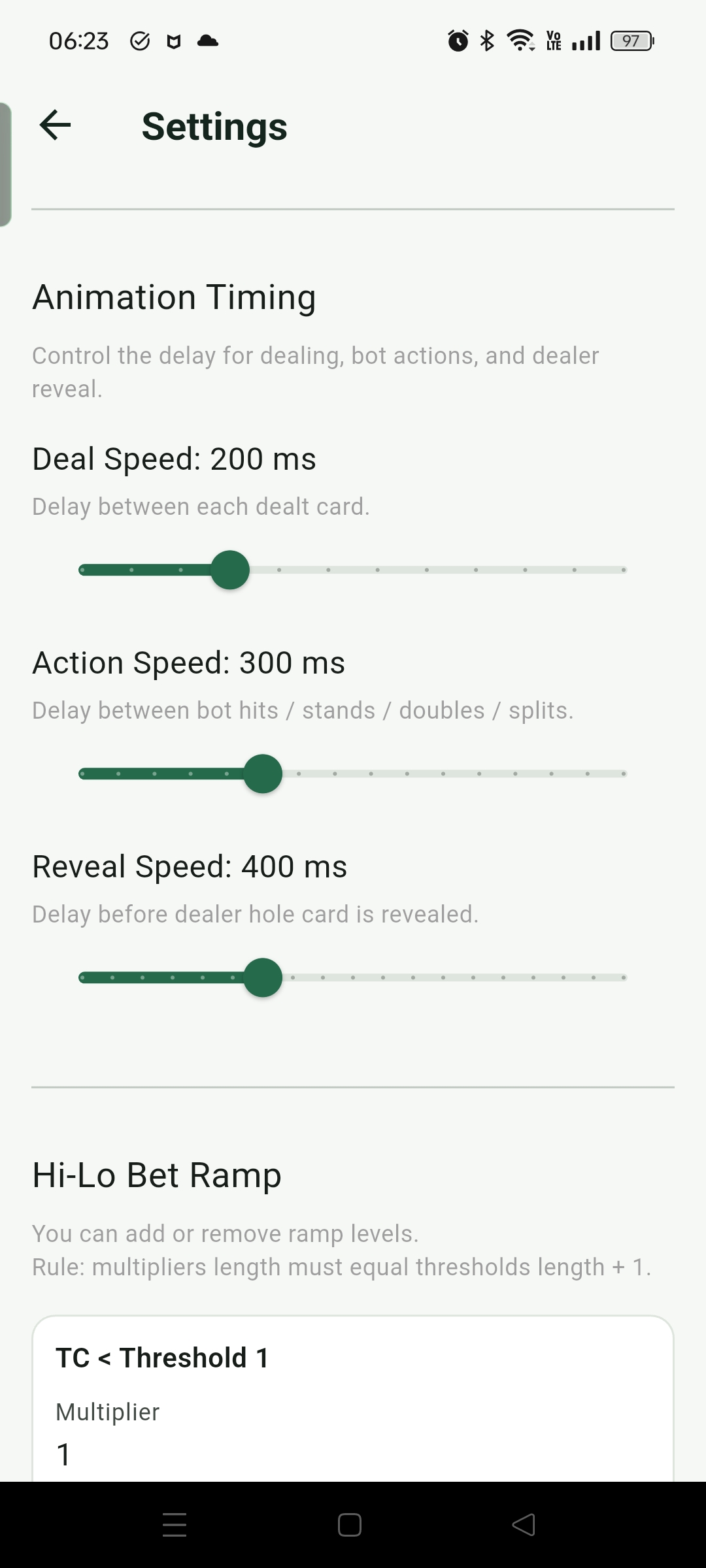
The settings are meant to simulate different blackjack table conditions. You can adjust rules, number of players, your seat, deal speed, deck count, penetration, and bet spread to see how the same strategy behaves under different conditions, or increase the deal speed to practice tracking the count under more pressure.
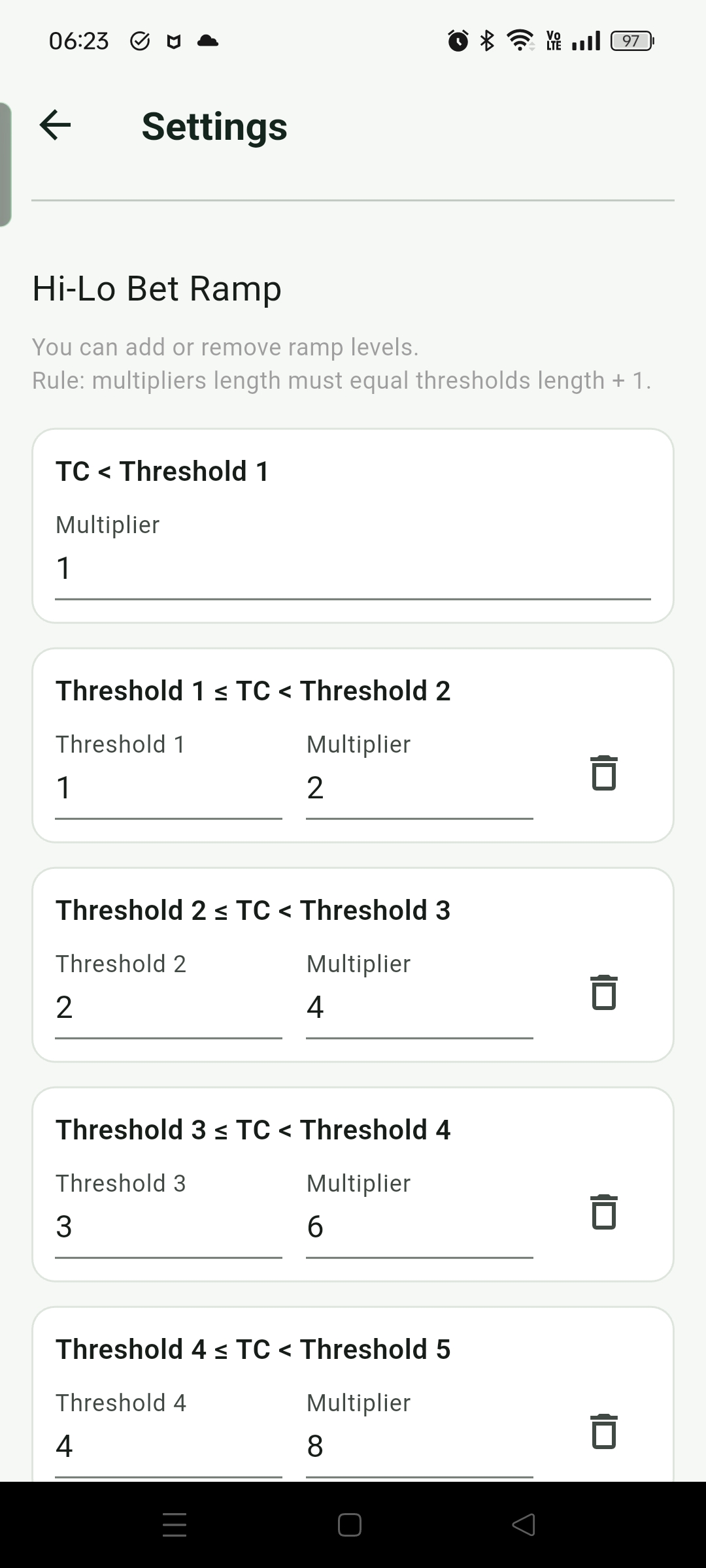
- Bet Ramp lets you define how many betting units to use at different True Count thresholds. This affects the recommended bet shown during play, and it also affects how Replay evaluates whether the bet for a hand matched the current rules.
- Deal speed can be adjusted based on your comfort level. When starting out, you can slow it down to leave time for Running Count and True Count calculation; once familiar, you can speed it up to practice tracking cards under a rhythm closer to real pressure.
- Seat settings let you choose your own position and assign any counting system mode to other player seats. These seats mainly create a multi-player dealing context, making practice closer to the rhythm of a real table.