Replay
Replay lets users review past game records, from overall stats and mistake filters to the details of each decision.
Game Records and Filters
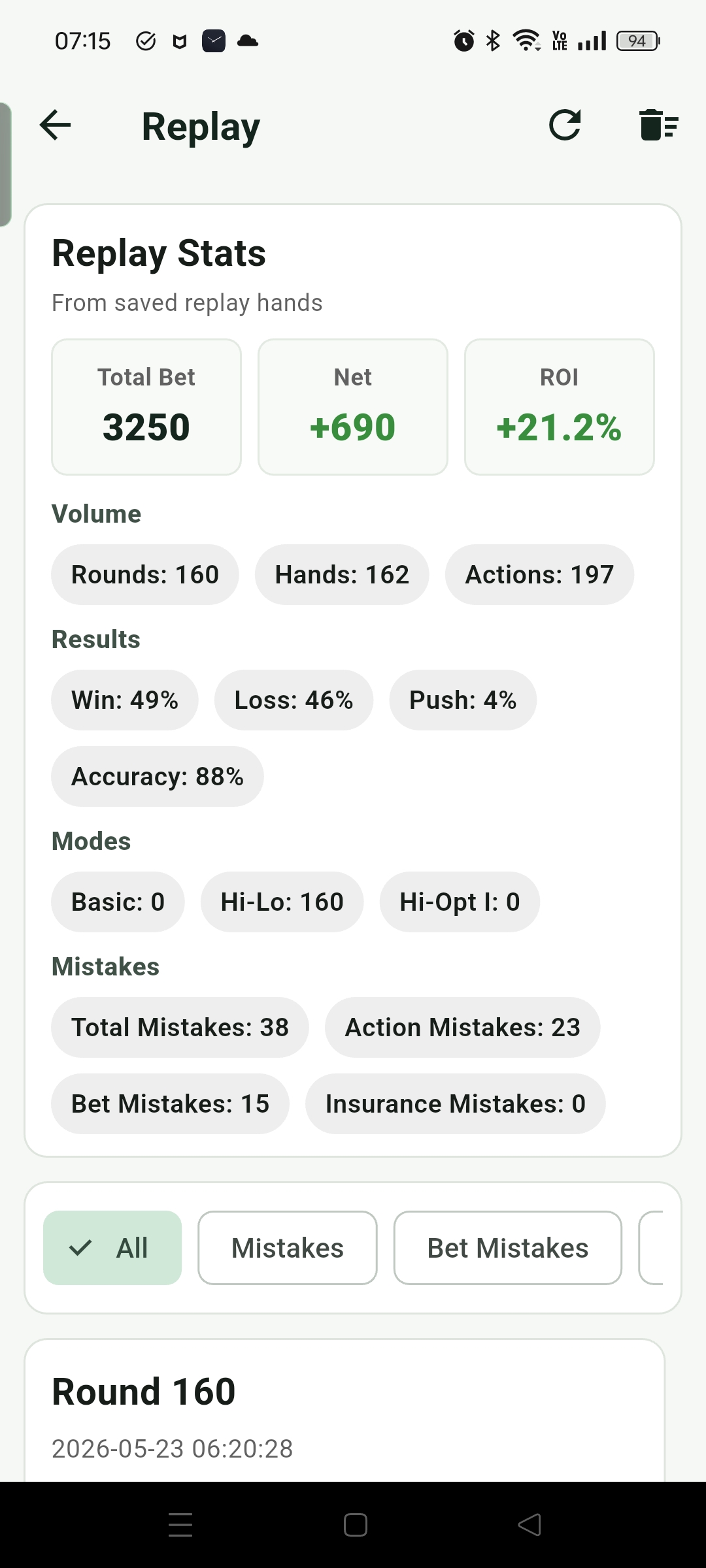
Game records mainly store Play records from Game mode, keeping up to the latest 1,000 entries. The top of the Replay home summarizes the saved records, including total bet, net profit, ROI, round count, hand count, action count, Win / Loss results, decision accuracy, the number of different Modes used (Basic, Hi-Lo, Hi-Opt I), and betting, action, or insurance-related mistakes.
Below that, previous records are shown as summary cards. Opening a card shows the detailed replay for that round. The card list can also be filtered by All, Mistakes, Bet Mistakes, Action Mistakes, and Insurance Mistakes, so users can quickly find records with mistakes or focus only on betting, action, or insurance issues.
Detailed Replay
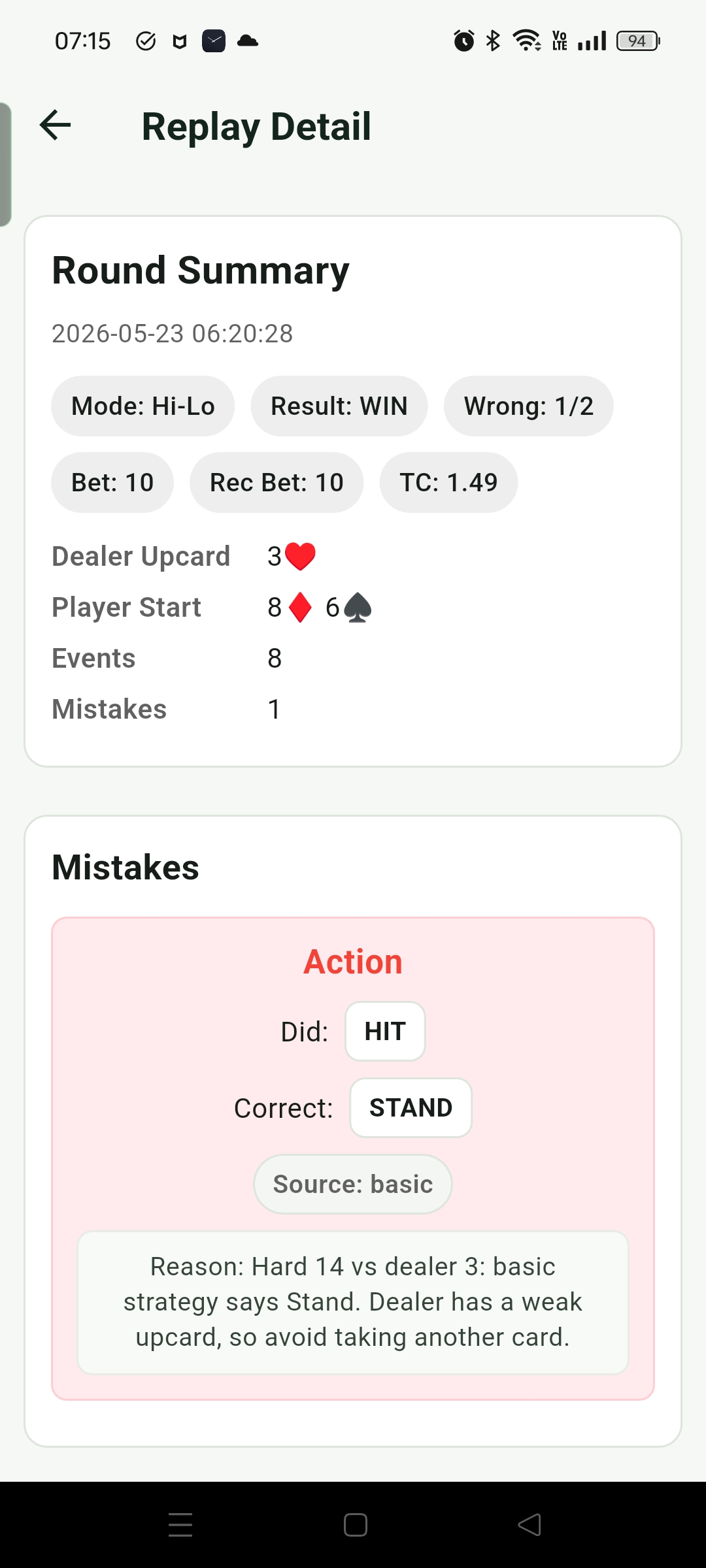
After opening a record, the detail replay page first shows a Summary at the top, covering the basic result and overall state of the round. Below that, the Mistakes section gathers betting, action, or insurance mistakes from the round, making it easier to see the problem types quickly.
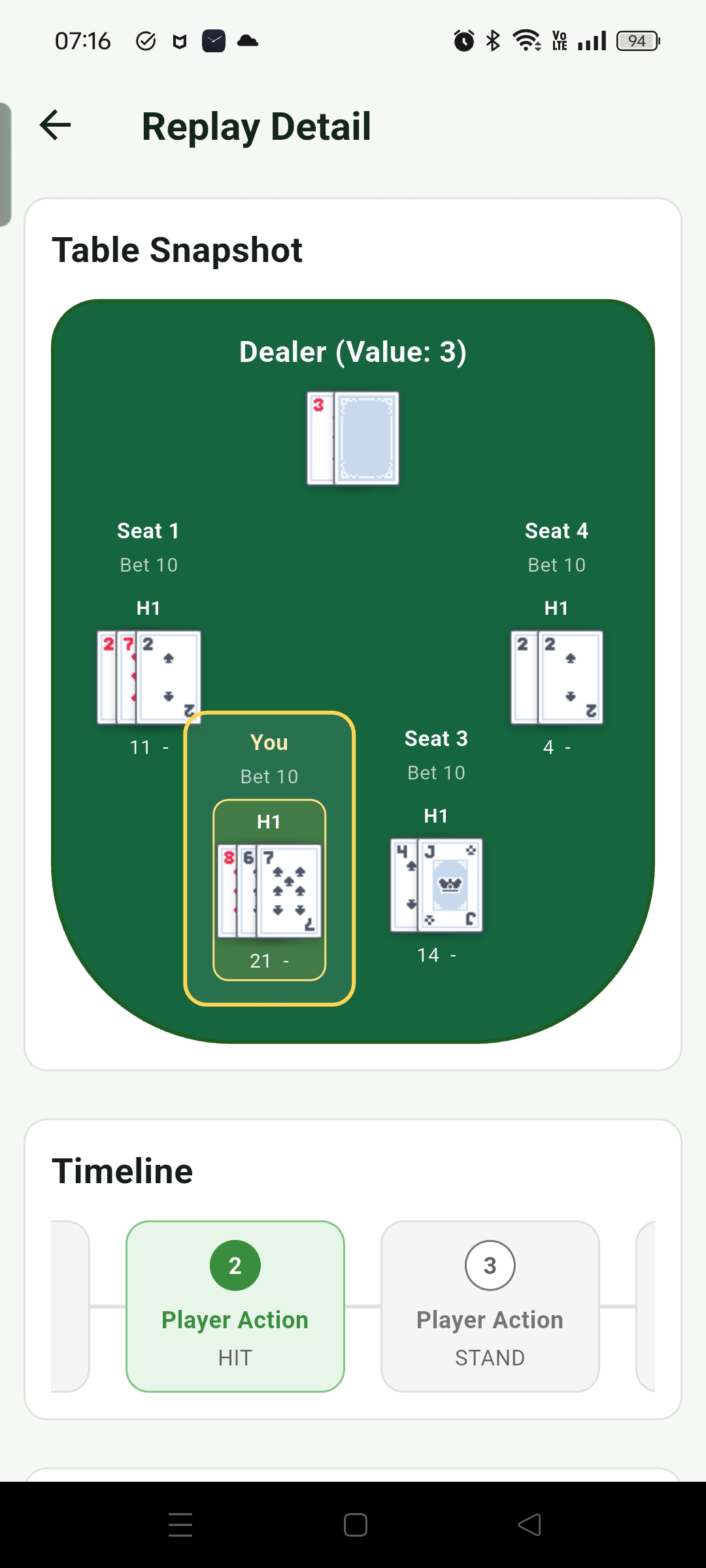
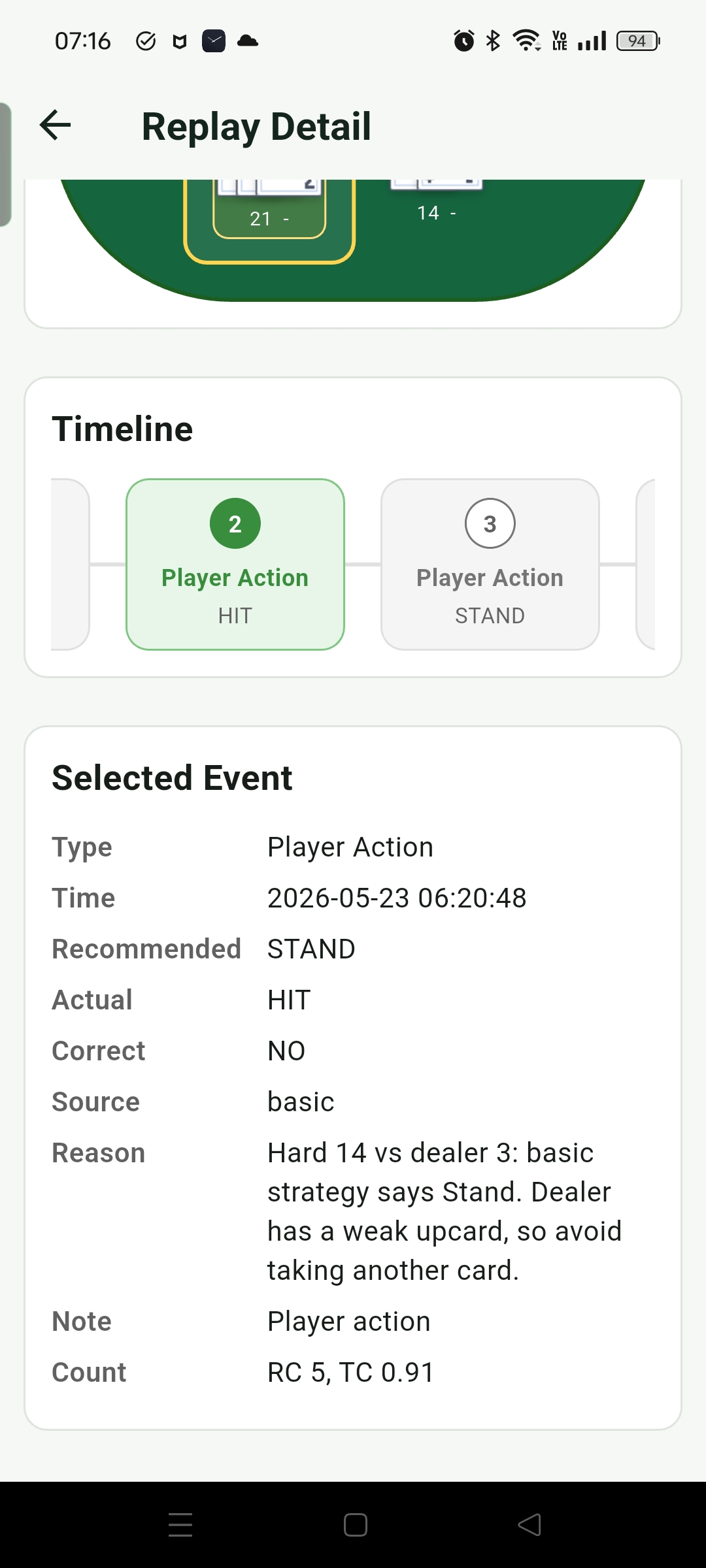
Timeline is used to inspect the hand flow step by step. Users can select different moments; the Table Snapshot above shows the table state at that moment, while Selected Event below shows the event details, including the decision, result, and related evaluation info. The goal is to help players find repeated mistakes through replay, then return to Game or Training mode to correct them.